
 Quicklinks▼
 Citrix Storefront
 CLIQ
CLIQ HCE Toolbox
 LEO
LEO MSDS
MSDS  Office 365 Mail
 Policy Manager
 Patient Care
 Self Service
 Remote VPN
 WILMA
WILMA


 Health Care Services Division
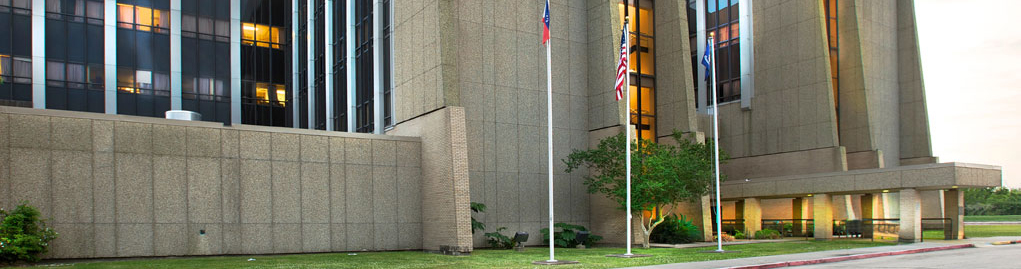
Leonard J. Chabert Medical Center
AS OF June 24, 2013, OCHSNER WILL MANAGE THE DAY-TO-DAY OPERATIONS OF LEONARD J. CHABERT MEDICAL CENTER UNDER A MANAGEMENT AGREEMENT BETWEEN OCHSNER HEALTH SYSTEM AND TERREBONNE GENERAL MEDICAL CENTER. ALL THREE ORGANIZATIONS HAVE DEDICATED TEAMS WORKING TO CONTINUE ALL CURRENT INPATIENT AND OUTPATIENT SERVICES AND GRADUATE MEDICAL EDUCATION PROGRAMS.
At the May 28, 2013 Special Meeting of the LSU Board of Supervisors, the Cooperative Endeavor Agreement (CEA) with LSU Health Care Services Division regarding the management of Leonard J. Chabert Medical Center was approved. Ochsner Health System has worked collaboratively with Terrebonne General Medical Center (TGMC) to develop a sustainable solution to deliver the crucial safety-net services for the uninsured and under insured and to preserve the academic training programs at Chabert. This approval underscores the commitment of Ochsner, TGMC and the Chabert team to develop the relationships and infrastructure necessary to maintain access to quality patient care in the tri-parish region.
Click here for more information on Leonard J. Chabert